Traffic Simulator - 100% Vibe Coded
This one is a bit different. I didn't write a single line of code. Not one. The entire thing — the physics engine, the canvas rendering, the map integration, the UI — was built through pure vibe coding with AI. I described what I wanted, iterated on the results, and out came a fully functional traffic simulator.
Why a Traffic Simulator?
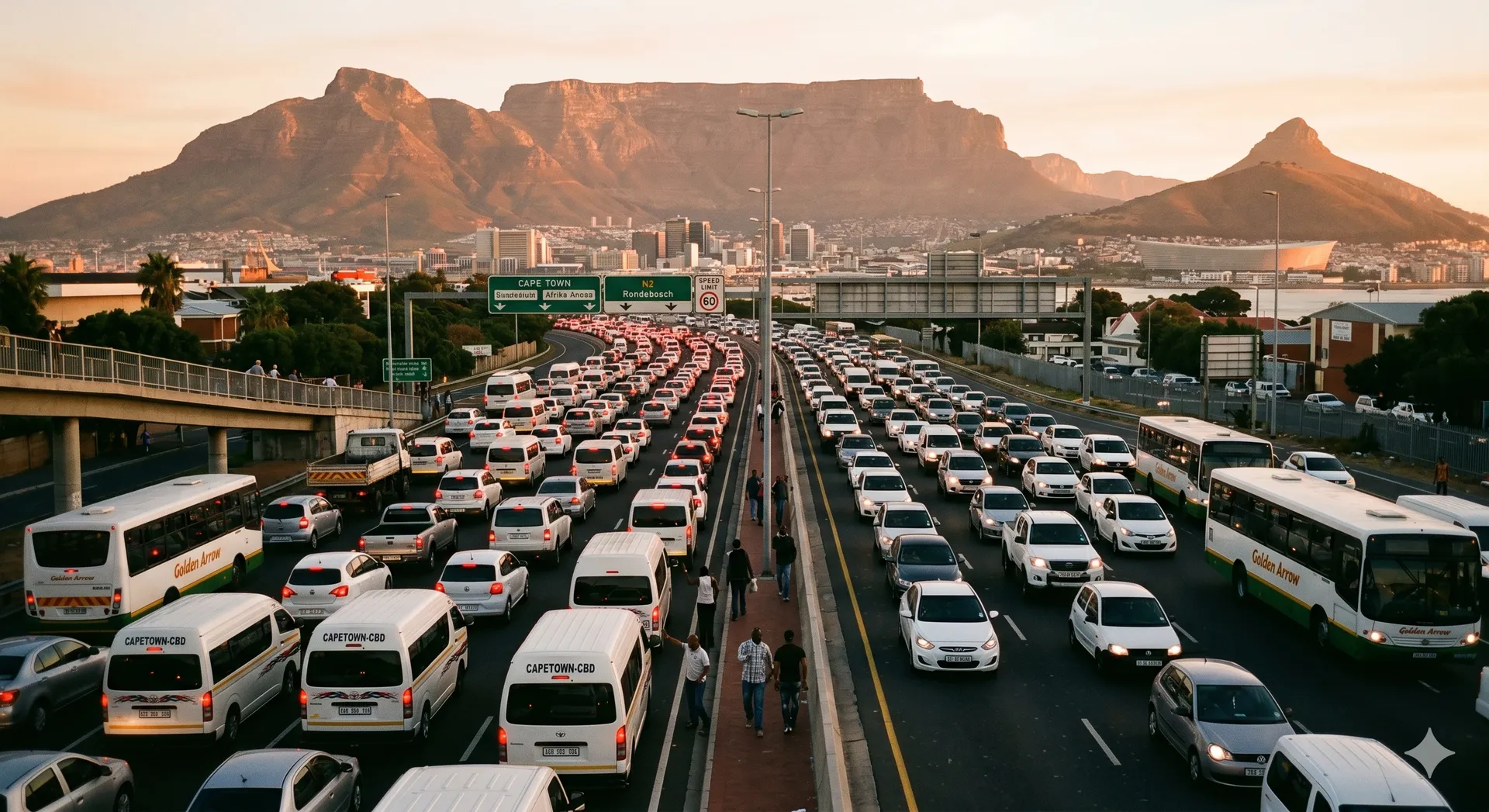
I love maps. I love traffic. I know that's a weird thing to say, but I genuinely find it fascinating. Every time I'm sitting in traffic — which, living in Cape Town, is often — I'm thinking about it. Why is this backed up? What if that light was 10 seconds longer? What if they changed the merge point? My brain just goes there automatically.
I wanted a tool where I could draw a road network on a real map, configure the intersections, and then watch simulated vehicles navigate through it. Not a toy — something that uses real physics models and gives you actual metrics like throughput, journey times, and bottleneck identification. A way to actually test the ideas I have while sitting in gridlock instead of just muttering about them.
The Vibe Coding Experiment
The whole point of this project was to see how far you could push AI-assisted development. No hand-coding, no manual debugging sessions staring at a console. Just describing behaviour, reviewing what came back, and steering the direction.
What Worked Well
- Architecture: The AI set up a clean ES6 module structure right from the start — separate files for the engine loop, physics, rendering, map integration, and UI. Proper separation of concerns without being asked twice.
- Canvas + Leaflet Integration: Getting an HTML5 Canvas to overlay perfectly on Leaflet map tiles, staying in sync during panning and zooming, is genuinely fiddly. It came together surprisingly well through iterative prompting.
- The Graph Editor: The edit mode lets you click on the map to place intersection nodes, connect them with roads, drag curve control points to shape roads around real-world obstacles, and set properties like speed limits and direction. This was all built conversationally.
- Traffic Light Phasing: The system analyses incoming roads at an intersection and automatically groups them into opposing directional phases using geometry. The UI dynamically generates the right number of phase inputs. This one took a few rounds of back-and-forth to get right, but the result is solid.
What Was Harder
- Vehicle Physics: The Intelligent Driver Model (IDM) for realistic acceleration, braking, and following distances is partially implemented but still needs work. Getting vehicles to behave naturally in queues and at intersections is a deep problem.
- Edge Cases: Literally. Vehicles at the edges of the network, pathfinding decisions at complex junctions, yielding logic — these are the kinds of things that need careful, iterative refinement.
How It Works
The app runs entirely in the browser. No backend, no build step. Just vanilla JavaScript and a map.
Edit Mode
- Switch to Draw Road and click on the map to place intersections
- Click between two intersections to connect them with a road
- Use the Select tool to adjust curve control points, set speed limits, and toggle one-way/two-way
- Configure intersection types: basic pass-through, traffic lights (with phase timing), 4-way stops, or spawn/exit points for vehicles
Simulation Mode
Hit Start and vehicles spawn at your inflow nodes, navigate the network, and exit at outflow points. The dashboard tracks active vehicles, system inflow/outflow rates, average journey times, and identifies the worst bottleneck intersection.
Save and Load
The whole network — nodes, roads, curves, speed limits, traffic light timings — exports to JSON so you can save your work and come back to it later.
The Kenilworth Test Case
I've been building and testing the network around the Kenilworth area in Cape Town. It's a great test bed because it has a mix of busy main roads, quieter residential streets, and a few intersections that anyone who drives through there regularly knows can be frustrating. Being able to model those intersections and experiment with different light timings is exactly the kind of thing this tool was built for.
Current Status (v1)
This is version 1. The core is all there — map integration, network editor, traffic lights, serialisation, simulation loop with live metrics. But there's still a list of things that would take it further:
- Full IDM Physics: More realistic vehicle behaviour in queues and at stops
- Pathfinding: Proper routing (Dijkstra's or A*) so vehicles make intelligent decisions at junctions
- Lane Mechanics: Multiple lanes, lane-changing logic, and turn-specific lanes
- Object Pooling: Memory optimisation for scaling to thousands of vehicles
- Advanced Metrics: Queue clearance times, lane-specific density, and better bottleneck analysis
If I do pick it back up, the dream scenario is modelling Hospital Bend. That stretch of highway is pure chaos — taxis cutting across three lanes, last-second merges, everyone fighting for position. I'd love to simulate the merging dynamics there and see if there's actually a better solution hiding in the data, or if it really is just every man for himself.
But as a v1 and a vibe coding experiment, I'm pretty happy with where it landed.
Try It Out
- Live App: traffic.seagers.co.za
- Source Code: GitHub